
Local SEO · Google Business Profile · Tradies
The Two Google Business Profile Sections Tradies Leave Blank: Products and Attributes
Executive Summary
Key takeaways: what you'll get from this guide
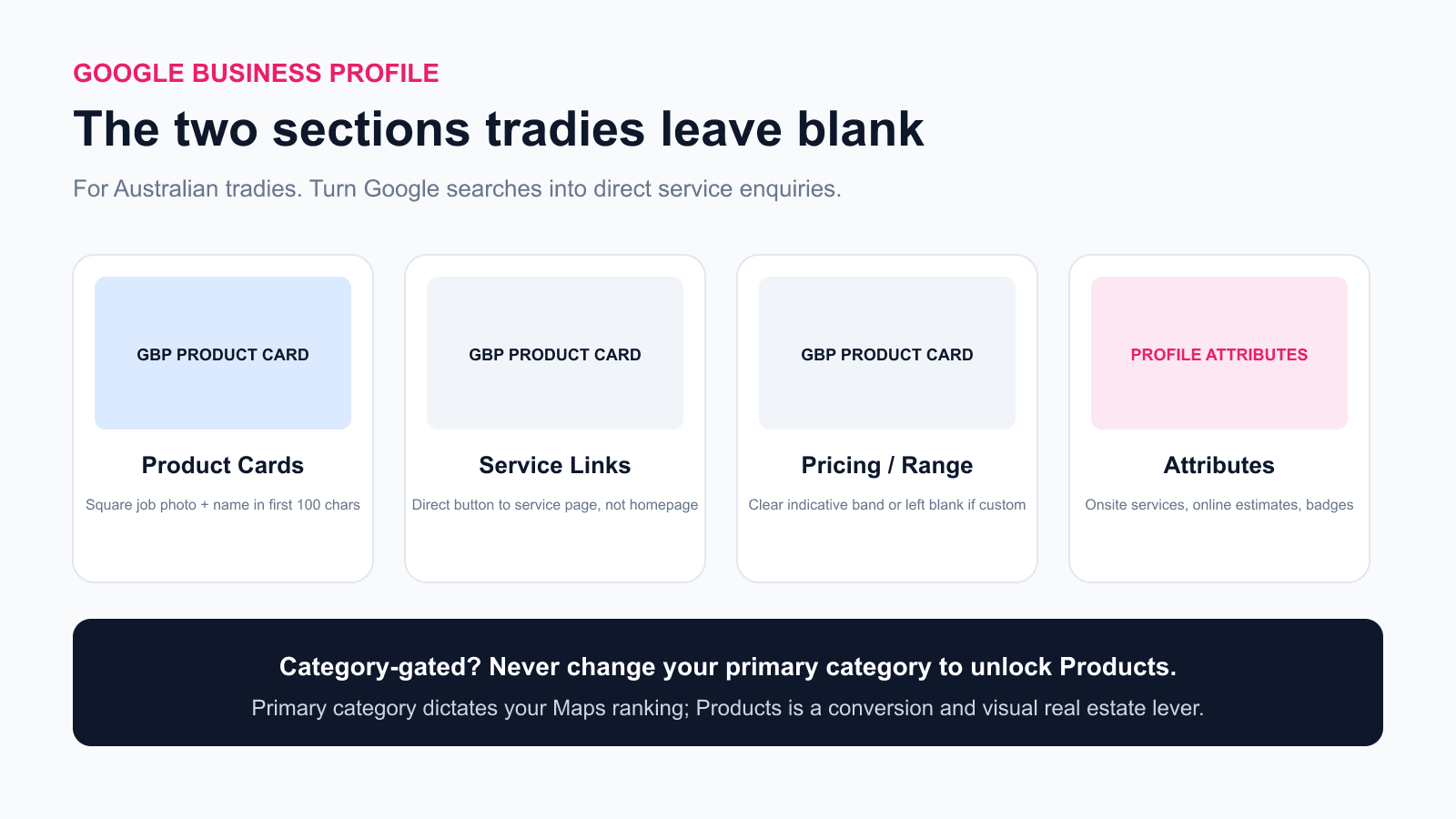
- Most trade listings stop at business hours, a phone number, and a few reviews. Two high-impact sections sit almost completely empty across local trades: Products and Attributes
- The Products section lets you build a visual mini-shopfront directly on your profile, with photos, prices, descriptions, and direct quote buttons
- The Products editor is category-gated by Google. If your profile does not offer it, do not change your primary category to unlock it
- Profile attributes feed Google Maps search filters like "Online estimates" and "Onsite services", giving searchers reasons to choose you before tapping
- Neither Google's API nor any third-party audit tool can check if your products are filled in, which is why it is an always-on recommendation rather than a scored penalty
When most Australian tradies set up their Google Business Profile, they do the obvious things: confirm the business name, add a phone number, set opening hours, and ask a couple of recent customers for reviews.
That is enough to get a listing on the map. But it leaves two sections on the profile almost completely blank: the Products section and Attributes.
Making sure both sections are complete is part of our Google Business Profile optimisation service. If you prefer to handle it yourself, this guide steps through how to set up both sections, what belongs in them, and the category trap that catches tradies who try to force it.
A few numbers worth knowing:
84% of local searches on Google are discovery searches where people search for a service rather than a specific company name 3.
2.7 times more likely to be considered reputable is how consumers view businesses with complete Google Business Profiles compared to incomplete ones 4.
70% more likely to attract direct customer action is what Google reports for profiles with complete information 4.
What Is the Google Business Profile Products Section?
Google built the Products section for shops selling physical goods, and that is still how it documents the product editor: it suits a business with a local shop selling physical goods, particularly one whose products carry no barcodes 1. Google points businesses that sell services at the separate services editor instead. In practice the Products editor still appears on some trade profiles and not on others, so the first job is to check your own listing rather than assume either way.
For a trade business, the Products section acts as a visual showcase right on your profile. Instead of a plain text list of services buried in a tab, Google displays a carousel of clickable cards under a "See what's in store" or "Products" heading on mobile search and Google Maps.
Each card gives you:
- A full-colour square photo
- A customer-facing title
- A short description
- An optional price or price range
- A direct button link to your website
When someone is browsing trades on their phone, these visual product cards take up substantial screen space. While your competitor's listing is just text lines and a phone button, your listing shows clear photos of your work with direct buttons to get a quote.
The Card Spec: How to Build Tradie Product Cards That Convert
You do not need fifty cards. For a trade business, 6 to 10 product cards covering your highest-margin and most common job types is a complete setup.
Here is the exact card spec we use across trade profiles:
| Field | Requirement | Tradie example |
|---|---|---|
| Image | Square, at least 720x720 pixels. Real job photos taken on a phone. Never stock photos. | A clean switchboard upgrade, a finished bathroom, or a newly restored roof. |
| Name | The job as a homeowner says it, not industry jargon. | "Blocked Drain Clearing" (not "Hydraulic Drainage Remediation"). |
| Description | Put the main service keyword within the first 100 characters. | "Fast blocked drain clearing in Sydney with CCTV camera inspection and high-pressure water jetting." |
| Price | Optional. A realistic starting price, a price range, or leave blank. | "$180 - $350" or leave blank if pricing depends on site inspection. |
| Button | Direct link to the specific service page on your site. | yoursite.com.au/blocked-drains (never the generic homepage). |
Why the first 100 characters matter
Google truncates product card descriptions on mobile screens. A searcher only sees the first line or two unless they tap into the card.
If you start your description with corporate waffle like "Established in 2012, our dedicated team is committed to excellence...", the customer never sees what you actually do. Put the service, the benefit, and the local area in the first sentence.
The button destination
Always link the button to that specific service page on your website, not your homepage. If someone taps "Switchboard Upgrades", they expect to land on a page explaining your switchboard work, safety switch requirements, and quote booking form. Sending them to your generic homepage forces them to hunt for the information, and most will just bounce back to Google.
If you need better photos of your work to use on these cards, our guide to tradie website photography covers how to shoot clean job photos on an ordinary phone.
The Category Eligibility Trap: Do Not Touch Your Primary Category
Before you start planning ten product cards, check whether your profile offers the feature.
- Search your business name on Google while logged into your Google account.
- Look at the in-search business manager menu.
- Look for the Edit products icon.
If you see the icon, your profile is eligible. If you do not see it, your listing is category-gated.
Google does not give the Products editor to every business category, and availability also varies by country. Its own documentation frames the editor around local shops selling physical goods 1, so a trade profile that offers it is being given a feature built for someone else, and a trade profile without it is the documented norm rather than a fault. The check above is the only reliable answer for your own listing.
The warning you must follow
If you do not see the Products button, do not change your primary category to unlock it.
We see tradies make this mistake after reading generic SEO guides. They see that "Plumbing supply store" or "General contractor" has the Products feature, so they change their primary category from "Plumber" to unlock it.
Your primary category is one of the heaviest local ranking factors in the Google algorithm. It tells Google which local 3-pack searches you qualify for. Products cards, on the other hand, are a visual trust and conversion feature; they do not dictate core keyword rankings.
Changing your primary category just to unlock product cards will ruin your Google Maps rankings for your main service. If Google does not give your primary category the Products tab, accept it and focus on your Services list, your photos, and your attributes instead.
Google Business Profile Attributes: The Other Blank Section
Attributes are the second section most trades overlook. They carry substantial weight in our Google Business Profile lead audit, yet the majority of trade listings have only one or two ticked.
Attributes are factual tags that Google attaches to your listing. You find them by clicking Edit profile in your Google search dashboard, then scrolling to the More tab 2. Google notes that some attributes can only be changed in certain locations, countries or business categories, and that others are filled in from what customers report rather than by you.
Google divides attributes into several categories:
1. Service options
These are the most important attributes for any trade business:
- Onsite services: Tells Google that you travel to the customer's property to carry out the work. For mobile tradies and service-area businesses, this should always be marked "Yes".
- Online estimates: Indicates whether customers can send photos or plans through your website or messaging to get a ballpark quote. If you offer quote forms on your site, tick this "Yes".
2. Payment options
Mark every payment type you accept:
- Credit cards (Visa, Mastercard, American Express)
- Debit cards
- NFC mobile payments (Apple Pay, Google Pay)
- Cheques or direct bank transfer
Homeowners hiring an emergency plumber or electrician often want to know upfront if they can tap a credit card or pay by phone.
3. Identity and ownership attributes
Google provides identity attributes that allow businesses to highlight ownership:
- Identifies as women-owned
- Identifies as veteran-owned
- Identifies as Indigenous-owned
These attributes add visible badges to your profile and allow your business to appear when customers deliberately search for or filter by these terms. Only tick them if they genuinely reflect your business ownership.
4. Accessibility and amenities
If you operate a workshop, trade counter, or showroom where customers visit in person, complete the accessibility attributes (wheelchair accessible entrance, parking, and seating). If you are a mobile service-area business without a public counter, leave physical accessibility tags blank.
Do Attributes and Products Move Your Google Maps Ranking?
Let us be completely straight about this: neither Products nor Attributes are massive standalone ranking levers.
Adding six product cards will not suddenly catapult a plumber from position 20 to position 1 on Google Maps. Ranking in the Local 3-pack is driven primarily by your primary category, your physical proximity or service area, listing completeness, review velocity, and website authority 4. Our Google Business Profile ranking factors report explains the exact weights behind each factor.
So why do Products and Attributes matter?
- Google Maps search filters: When a homeowner searches for an electrician and taps the "Online estimates" or "Open now" filter on Maps, listings without that attribute checked disappear from the results entirely.
- Profile real estate: A listing with product cards dominates the mobile screen. It pushes competitor links further down the page.
- Conversion rate: When a customer compares three tradies in the 3-pack, the one with clear photos, transparent pricing, and specific job cards wins the phone call.
- AI search grounding: Google's Gemini models and search systems pull context from every completed field on your listing to answer customer queries.
Why Audit Tools Cannot Tell If Your Products Are Filled In
Here is a detail that surprises most business owners: no third-party SEO tool or API can check whether your listing has products.
Google's public Business Profile APIs do not expose product data to outside software. When an agency or automated audit tool runs a scan on your profile, it cannot see your product cards.
This is why our free Google listing audit includes the Products section as an always-on actionable recommendation rather than an automated score penalty. Anyone claiming their automated software detected that your products are missing is guessing. You have to open your profile and look with your own eyes.
Step-by-Step: Setting Up Your First Product Card
Follow these steps to add your first product card:
- Search your business name on Google while logged into your Google account.
- Click Edit products in the merchant menu.
- Click Add product.
- Upload a clean, square photo (720x720 pixels or larger) showing the finished job.
- Enter the Product name using customer search language (for example, "Switchboard Upgrade & Safety Switches").
- Select or create a Product category (such as "Residential Electrical").
- Enter a Product price or price range if appropriate, or leave it blank if you quote per job.
- Write a Product description of 2 to 3 sentences, ensuring the core service is named in the first 100 characters.
- Under Product URL, select "Learn more" or "Order online" and paste the direct link to that service page on your website.
- Click Save.
Repeat this process for 6 to 10 of your core services.
For a full breakdown of setting up your entire profile from scratch, see our comprehensive Google Business Profile guide for Australian tradies.
Want Someone to Review Your Google Listing?
Made 4 Tradies provides a free, no-obligation Google Business Profile audit for Australian trade businesses. We check your categories, review profile, photo coverage, and Maps visibility to show you what is working and what is costing you leads.
- Free Google listing audit: Maps rankings, reviews, photo health, and local competitor benchmarking. Delivered in 24 hours.
- Free website audit: Mobile load speed, conversion bottlenecks, on-page SEO, and schema markup. Delivered in 24 hours.
No phone sales pitch. No obligations. Just a practical assessment of your local search presence.
Frequently Asked Questions
Can trade businesses use the Google Business Profile Products section?
Sometimes, and it depends on your own listing rather than on your trade. Google documents the product editor as a feature for local shops selling physical goods and points service businesses to the services editor instead, yet the "Edit products" button does appear on some trade profiles. Check yours first. If the button is there, product cards give you a visual showcase on mobile search with photos, descriptions and quote buttons. If it is not there, do not change your primary category to force it.
Does adding product cards improve my Google Maps ranking?
Products cards do not directly move your ranking pin in Google Maps. They are a conversion and trust feature that increases engagement, website clicks, and phone calls from searchers who view your profile.
What should I do if the Products section does not appear on my profile?
If the "Edit products" button is not available, your primary category is category-gated by Google. Do not change your primary category to unlock it, as changing your category can significantly harm your existing Google Maps rankings. Focus on your Services list, Attributes, and photos instead.
Should I put fixed prices on my product cards?
Pricing is optional. If you offer fixed-rate jobs like standard safety inspections or call-outs, listing a price or starting range helps qualify customers. If your work varies by job, leave the price field blank. An honest blank price is much better than a low estimate you cannot honour.
What URL should the product button link to?
Always link the button to the specific service page on your website, such as your hot water or switchboard upgrade page. Do not link to your general homepage or contact page, as forcing visitors to search for details increases bounce rates.
Which Google Business Profile attributes are most important for tradies?
The most critical attributes for trades are "Onsite services" (confirming you travel to the client), "Online estimates" (if you accept quotes via forms or photos), and payment methods. Identity attributes like women-owned or veteran-led should also be selected where applicable.
Can customers or competitors change my profile attributes?
Google allows Maps users to suggest edits to business attributes based on their experience. You should review your Google Business Profile dashboard quarterly to accept or reject any suggested edits and ensure your details remain accurate.
References:
- [1] Google Business Profile Help, About product editor (the product editor suits a business with a local shop selling physical goods, particularly one whose products have no barcodes; businesses that sell services are directed to the services editor)
- [2] Google Business Profile Help, Manage your business attributes (attributes are edited under Edit profile then More; some can only be changed in certain locations, countries or business categories, and some are populated from customer input)
- [3] BrightLocal, Google Business Profile Insights Study
- [4] Google Business Profile Help, How Google uses information from your Business Profile
Published by Made 4 Tradies, built by online experts who understand tradies. Serving Sydney, the Central Coast, Newcastle, and the Hunter.
Free Google Listing Audit
See exactly what's costing you visibility on Google.
A real human goes through your Google Business Profile against the checks in this guide. You get a PDF with specific issues, specific fixes, ranked by impact.
No call. No pitch. No obligation. Turnaround within 24 hours.
Get my free Google listing audit →Want your website checked too? Free website audit →